How to compress a PDF to 300KB
- Click Choose PDF files or drop the PDF on the box.
- Leave Target size at 300 KB, or type a smaller number if your form asks for one.
- Click Compress. If the result is marked under target, click Download.
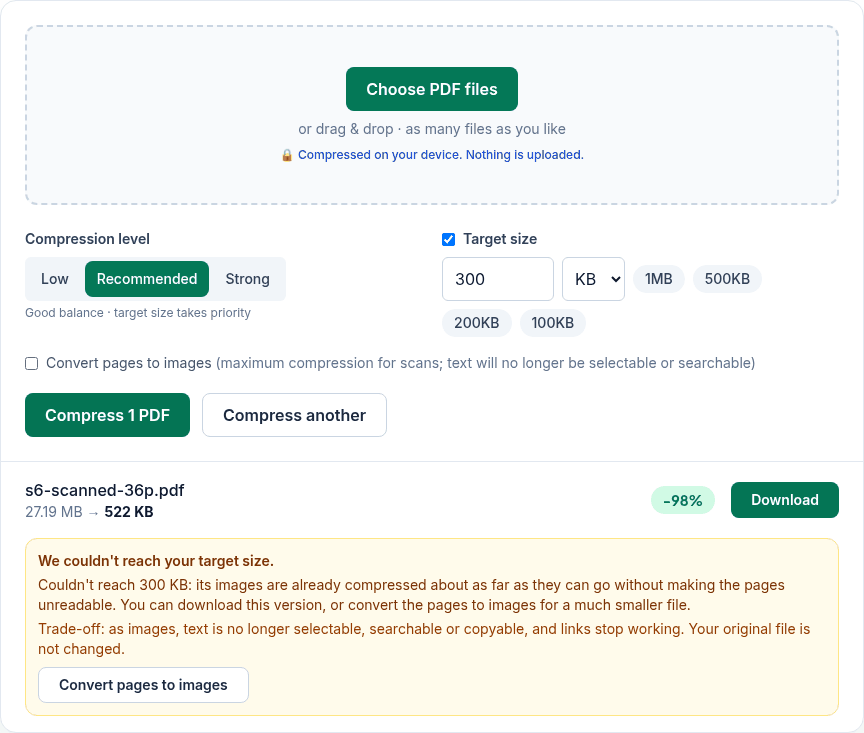
- If it says it couldn't reach your target, read the options under the result (below we explain what they do).
What we measured
We ran the live tool on October 22, 2026 (PT) in Google Chrome 155 on Linux, with sample files we made for the test. Target size was 300 KB with the default Recommended level. "As images" is the Convert pages to images option.
| Sample PDF | Original | With 300 KB target | As images, 300 KB target |
|---|---|---|---|
| 10-page text report | 11.4 KB | 9.0 KB | Original kept (images would be bigger) |
| 5 slides with pictures | 3.25 MB | 255 KB; pictures about 230 dpi | 292 KB |
| 8 pages of photos (2400×1600 each) | 13.57 MB | 168 KB; photos about 144 dpi on the page | 283 KB |
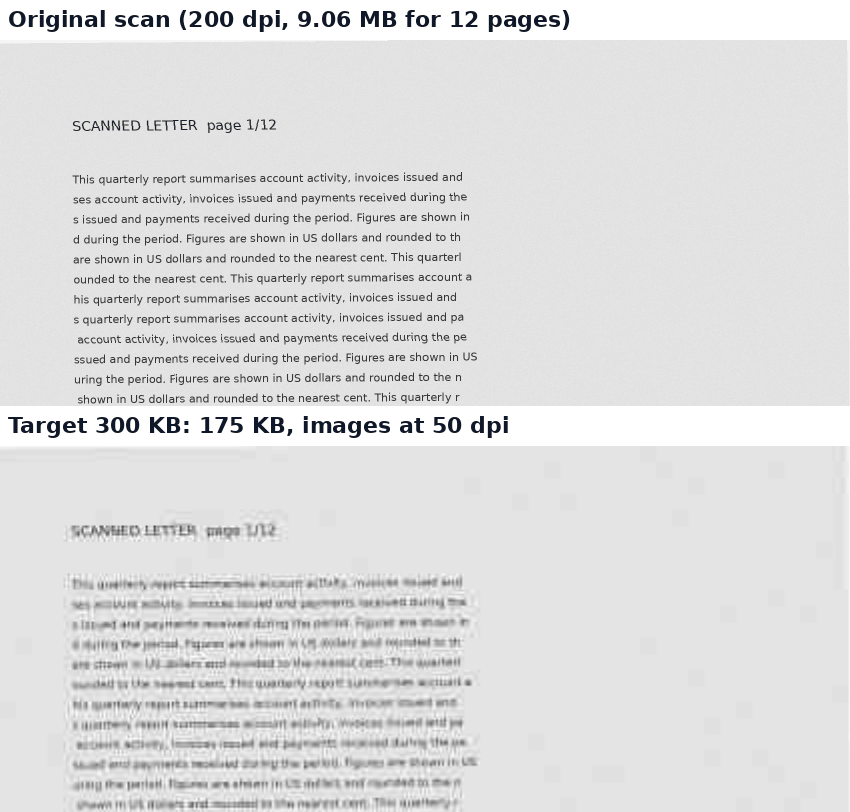
| 12-page scanned letter (200 dpi grey) | 9.06 MB | 175 KB; scan now 50 dpi | 276 KB, 54 dpi |
| 36-page scanned document | 27.19 MB | 522 KB: target not reached | 385 KB: still not reached |
The 12-page scan gave the same 175 KB in iPhone 13 emulation. Note that "as images" was not smaller here for most files: at 300 KB the normal mode had already pushed the images further.
Is 300 KB realistic for your file?
From our tests: a few pages of photos or slides fit comfortably. Around a dozen scanned pages fit, but small print gets hard to read. A scan of about three dozen pages didn't fit at all, and the tool stopped at about 40–50 dpi rather than go lower, because the pages would be unreadable. Before you upload a 300 KB scan, zoom in and check that the numbers you need can still be read.
When it says "We couldn't reach your target size"
- Convert pages to images appears as a button under the result. It can get smaller, but text in that version can't be selected or searched, and in our 36-page test it still wasn't enough.
- Send fewer pages. Remove pages with Delete pages, or split the PDF into parts that each fit under 300 KB.
- You can still download the smaller version it made; your original file is not changed.
Privacy
The work happens in your browser tab, so your files aren't uploaded. The site counts page visits and sends one anonymous event per use (tool name, whether it worked, a file-size range). No event is sent when Global Privacy Control or Do Not Track is on. See the privacy policy.
Related tools
- Compress PDF: all compression options
- Compress PDF to 500KB
- Compress PDF to 200KB
- Compress PDF to 2MB
- Split PDF: when one file is too big