How to do it on an iPhone
- Open this page in Safari and tap Choose images, then Photo Library and select your photos.
- Wait for each HEIC photo to finish "Decoding…". It's converted on the phone itself.
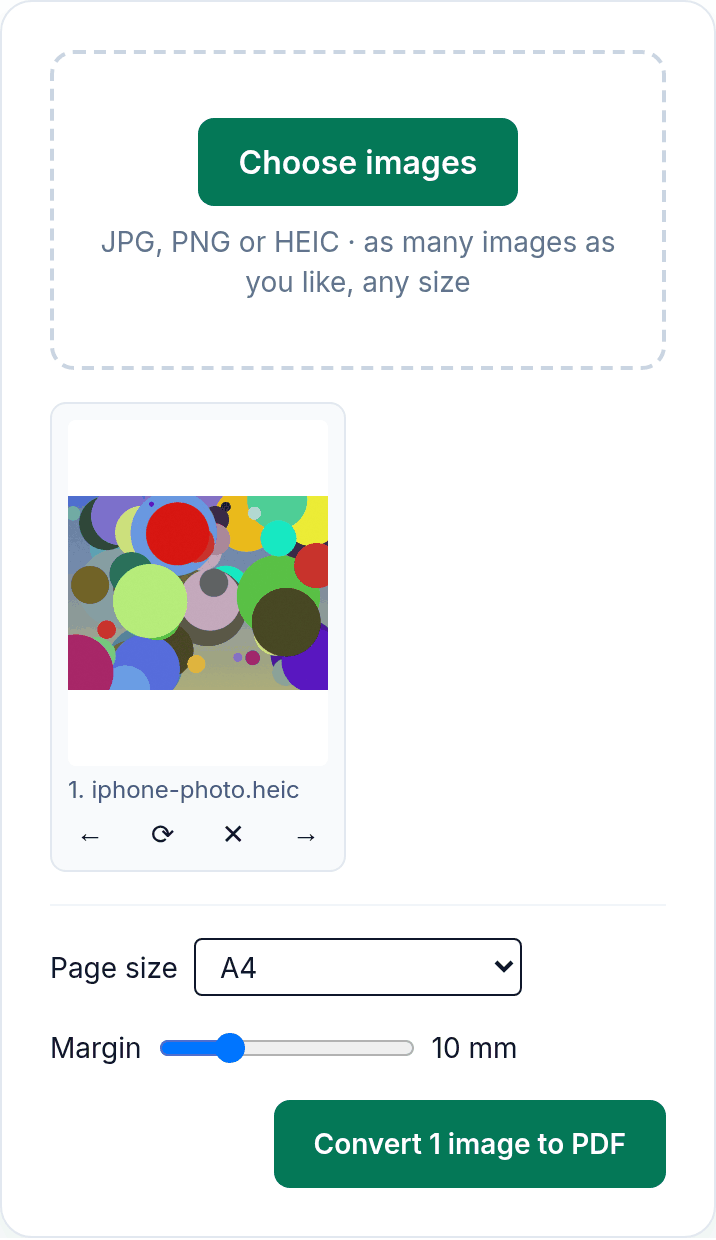
- Use ← and → to change the order, ⟳ for a sideways photo, ✕ to drop one.
- Choose A4 or US Letter and tap Convert. Safari downloads the PDF; by default downloads go to the Downloads folder in the Files app.
What we found when we tested it
We ran the live tool on October 22, 2026 (PT) in Chrome's iPhone 13 emulation (touch input, phone screen size) with an 8.3 MB, 4032×3024 HEIC photo we made, plus JPG photos. We could not test on a real iPhone with Safari.
| What we checked | Result |
|---|---|
| Decoding the 8.3 MB HEIC photo | About 3.6 seconds in the emulated phone. Older phones may take longer. |
| PDF from that one HEIC photo, A4 | 5.08 MB, the photo still 4032×3024 pixels |
| 4 images (2 JPG, 1 PNG, 1 HEIC) | A 4-page A4 PDF downloaded in iPhone 13 and in Pixel 7 emulation |
| Location data | No EXIF block in any image inside the PDF, so no GPS position |
The iPhone's own options
iOS can share or print a photo from the Photos app (Share, then Print, in Apple's guide). If you'd rather your camera saved JPG in the first place, Apple's setting is Settings > Camera > Formats > Most Compatible; photos you already took stay HEIC. Apple also notes that with Location Services on, photos are tagged with location data, which is one reason to check what a PDF carries before you send it. This tool leaves that data out.
Limits
- Large HEIC photos take a few seconds each to decode on the phone. Add fewer at a time if Safari slows down.
- Full-resolution photos make big PDFs, about 5 MB per photo in our test. Use Compress PDF if a form has a size limit.
- There's no OCR and no document-scanner cropping.
Privacy
The work happens in your browser tab, so your files aren't uploaded. The site counts page visits and sends one anonymous event per use (tool name, whether it worked, a file-size range). No event is sent when Global Privacy Control or Do Not Track is on. See the privacy policy.
Related tools
- Image to PDF: the main tool
- HEIC to PDF
- Photo to PDF: on any device
- Compress PDF
- Sign PDF: with your finger
Sources
- Apple iPhone User Guide, "View, share, and print photos on iPhone" (Share, Print, location data note): https://support.apple.com/guide/iphone/view-share-and-print-photos-iph3d314a6f/ios
- Apple Support, "Using HEIF or HEVC media on Apple devices" (Camera Formats setting): https://support.apple.com/en-us/116944
- PDFWrangle Image to PDF, live tool, checked October 22, 2026: https://pdfwrangle.com/image-to-pdf